
Cheap Web Design: How to Get a Website That Works Without Overspending
A professional website can help a business attract customers, explain its services and build trust. But a large budget is not always necessary. With careful planning, cheap web design can provide a polished, useful website while keeping costs under control.
The key is to look beyond the initial price. A low-cost website is only good value if it meets your needs, works well on mobile devices and is straightforward to maintain. Here’s how to find affordable web design without compromising on the essentials.
What does cheap web design include?
The phrase “cheap web design” can mean anything from building a site yourself with a website builder to hiring a freelancer or agency for a simple, tailored website. The price usually depends on factors such as:
- The number of pages and the complexity of the design
- Whether you use a template or need a bespoke layout
- Who supplies the text, images and branding
- Whether the site needs features such as booking, payments or customer accounts
- Hosting, domain registration, maintenance and ongoing support
A basic website for a local service business will generally cost less to build than a large online shop or a site with custom features. Defining what you need before requesting quotes makes it easier to compare like with like.
Affordable doesn’t have to mean poor quality
Keeping a project within budget does not mean accepting an unattractive or difficult-to-use website. Many affordable websites use proven design templates, with colours, typography and content adapted to the business. This can reduce design and development time while still giving the site a distinctive, professional feel.
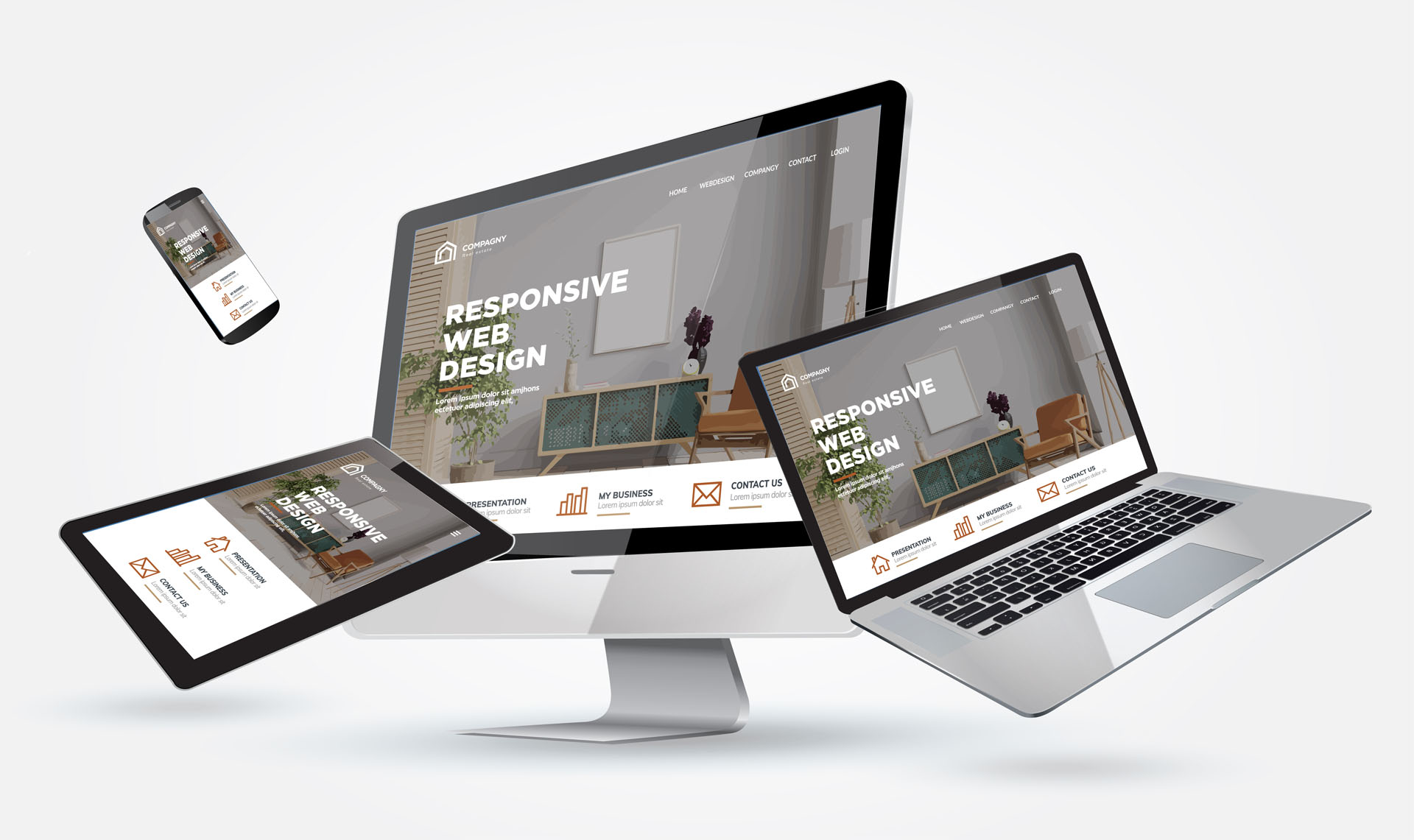
For a small business, the most important features are often simple: clear information, easy navigation, contact details that are easy to find and a layout that works on mobile phones. A focused website that does these things well may be more effective than a complicated one with features customers rarely use.
Ways to reduce the cost of web design
Start with the essentials
Begin with the pages visitors need most, such as Home, About, Services and Contact. Additional pages can be added as your business grows. A clear, manageable first version is often more cost-effective than trying to build everything at once.
Use a template where it makes sense
A well-chosen template can be a practical starting point. It is usually quicker and less expensive to adapt a suitable design than to create every element from scratch. Check that the template is responsive, accessible and flexible enough for your content.
Prepare your content
Supplying accurate service information, contact details, photographs and draft copy can reduce the time a designer spends gathering material. If you need help writing or editing content, ask whether that work is included in the quote.
Keep features focused
Every additional feature can add to the build cost and may create ongoing maintenance needs. Choose features that serve a clear purpose, such as a contact form, appointment booking or an online shop, rather than adding tools simply because they are available.
What to check before choosing a low-cost web designer
Before agreeing to a project, ask for a clear breakdown of the work and costs. A useful quote should explain what is included, what counts as extra work and who is responsible for the domain, hosting and website updates.
It is also worth checking:
- Whether the website will work on mobile phones and tablets
- Whether you will be able to edit text and images yourself
- Who owns the website files, domain and design work
- Whether search engine basics, such as page titles and descriptions, are included
- What support is available after launch
- Whether there are recurring fees for hosting, plugins or maintenance
Look at examples of the designer’s previous work, too. A low price alone does not show whether a provider can deliver a reliable result or communicate clearly throughout the project.
Watch out for hidden costs
The initial design fee may not cover everything. Domain registration, hosting, premium templates, stock photography, email accounts, security tools and ongoing updates may be charged separately. These costs are not necessarily a problem, but they should be explained before work begins.
Be cautious of offers that promise a complete website for an unusually low price without clearly stating what is included. A site that is difficult to update, slow to load or missing important information can end up costing more to fix later.
Cheap web design and search engines
An affordable website can still follow good search engine optimisation practices. Clear page headings, descriptive page titles, useful content, sensible navigation and a mobile-friendly layout all help visitors understand what your business offers. They also make it easier for search engines to interpret your pages.
However, no web designer can guarantee a particular ranking. Search visibility depends on many factors, including the quality of your content, competition and the ongoing work you put into your online presence.
Is cheap web design right for your business?
Low-cost web design can be a good fit for start-ups, sole traders and small businesses that need a straightforward online presence. It may be less suitable if your website requires complex integrations, advanced ecommerce features or a highly customised user experience. In those cases, it can be sensible to invest in a larger project—or launch with a simple site and expand it over time.
Choose value, not just the lowest price
The best affordable website is one that meets your current needs, gives visitors a good experience and can grow with your business. Set a realistic budget, prioritise essential features and make sure you understand both the upfront price and any ongoing costs.
With the right scope and a clear agreement, cheap web design can be a practical way to establish or improve your online presence without paying for features you do not need.
Affordable Web Design: 7 Benefits for Small Businesses and Start-Ups
- Keeps upfront costs low.
- Ideal for start-ups and small businesses.
- Gets your website online sooner.
- Focuses on essential features.
- Can use flexible website templates.
- Leaves room to invest in other areas.
- Can grow as your business develops.
Drawbacks of Budget Web Design: Limited Customisation, Quality Concerns, Hidden Costs, and Post-Launch Support Issues
Keeps upfront costs low.
One of the main benefits of cheap web design is that it keeps upfront costs low. This can make it easier for start-ups and small businesses to get online without committing a large part of their budget to a website. The money saved can be used for other priorities, such as marketing, stock or day-to-day operations, while still creating a professional starting point for the business.
Ideal for start-ups and small businesses.
Cheap web design is ideal for start-ups and small businesses that need a professional online presence without putting too much pressure on their budget. By keeping the initial costs manageable, new businesses can focus their resources on essentials such as developing their products, reaching customers and growing their operations. A simple, well-designed website can provide a strong starting point and be expanded as the business grows.
Gets your website online sooner.
One of the advantages of cheap web design is that it can get your website online sooner. A simpler scope, ready-made templates and fewer custom features can shorten the design and development process, helping you start promoting your business and connecting with customers without a lengthy wait.
Focuses on essential features.
One of the advantages of cheap web design is its focus on essential features. Rather than spending money on complex tools or extras your business may not need, the budget can be directed towards the basics that matter most: clear information, simple navigation, mobile-friendly pages and easy ways for customers to get in touch. This keeps the website straightforward to use and maintain, while leaving room to add more features as your business grows.
Can use flexible website templates.
One advantage of cheap web design is the use of flexible website templates. These provide a ready-made structure that can be tailored to your brand with your chosen colours, fonts, images and content, helping to create a professional-looking website without the cost of designing every element from scratch. Many templates are also responsive, so your site can adapt to different screen sizes and work smoothly on mobiles, tablets and computers.
Leaves room to invest in other areas.
One of the main advantages of cheap web design is that it leaves more room in your budget for other areas of the business. Rather than spending heavily on your website at the outset, you can put those savings towards marketing, product development, customer service or essential equipment. This helps you build a useful online presence while still investing in the parts of your business that support day-to-day growth.
Can grow as your business develops.
One of the advantages of cheap web design is that it can give your business room to grow. Starting with a simple, affordable website helps you establish an online presence without investing in features you may not need yet. As your business develops, you can add pages, services and functions—such as online bookings or ecommerce—when they become useful. This flexible approach lets you build your website in line with your goals and budget.
Limited customisation
One drawback of cheap web design is limited customisation. Low-cost packages often rely on ready-made templates, which can restrict your choice of layouts, features and branding. As a result, your website may look similar to others and may not fully reflect your business or meet your customers’ needs. If you later want to make significant changes, you could also face extra costs or need to rebuild parts of the site.
Potentially lower quality
One potential drawback of cheap web design is lower quality. To keep prices down, a provider may use generic templates, spend less time refining the layout or offer limited testing and support. The result could be a site that feels less professional, is harder to use or does not display properly across different devices. Before choosing a low-cost option, check examples of the provider’s work and confirm exactly what is included in the price.
Hidden ongoing costs
One potential drawback of cheap web design is that the initial price may not include the ongoing costs of running a website. Hosting, domain renewals, security updates, premium plugins, maintenance and technical support may all be charged separately, adding up over time. Before choosing a provider, ask for a clear breakdown of recurring fees and check exactly what is covered, so you can budget confidently and avoid unexpected expenses.
Limited support after launch
Limited support after launch can be a drawback of cheap web design. Once the website is live, help with technical issues, updates or unexpected errors may not be included in the original price. This can leave you responsible for maintaining the site or paying extra for assistance when something goes wrong. Before choosing a low-cost service, check what aftercare is provided, how long it lasts and what further support will cost.